
This FAQ explains why your branch may not appear in Find an Agent on Rightmove, how locations are decided, how agent listings are ordered, and what you can do if something looks wrong.
- How it works
- What to do if my branch/office isn't showing?
- What description is used in Find an Agent?
- How are agents ordered in Find an Agent?
- If you experience an error or have feedback
How it works
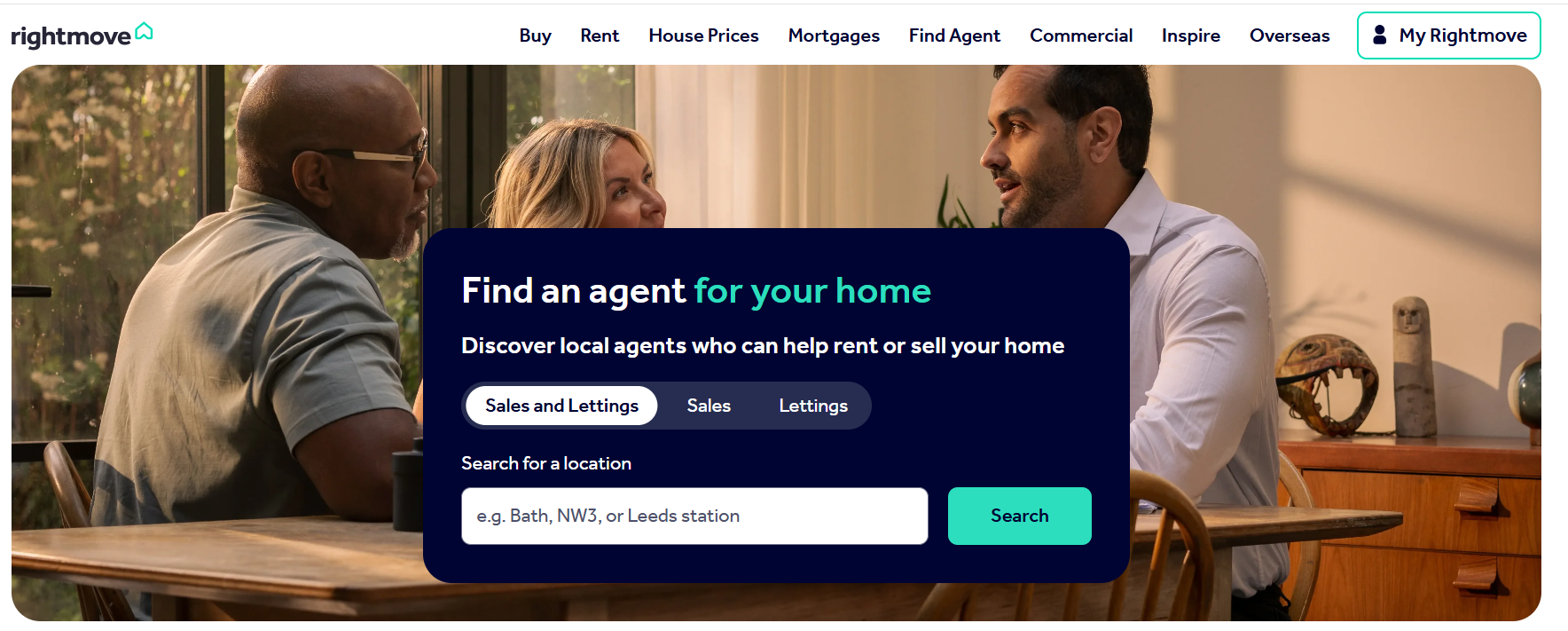
Find an Agent gives users the option to search for local estate agents to help them with their home moving journey. They can filter this search down via location, an agent's name and the agent type (either sales and lettings, sales or lettings).
We use the registered branch address we hold for your office to determine your location:
- The location your branch appears under (village, town or city) is based on the centre point of the postcode for your registered branch address
- That postcode centre point is then matched to Rightmove’s region boundaries
- This is the same location‑matching method used for property listings
Where does my branch details come from?
Your branch address is taken from Rightmove Plus:
- Go to Branch / Development Marketing
- Check the registered address for your branch
If this address is incorrect or out of date, your branch may:
- Not appear in Find an Agent
- Appear under the wrong location
What to do if my branch/office isn't showing?
If your branch is not showing where you expect it to:
- Log in to Rightmove Plus
- Go to Branch / Development Marketing
- Check that the registered branch address is correct and complete
- Save any changes you make
If the address is correct but your branch still appears under the wrong area, this is usually because the postcode centre point sits outside the expected region boundary. Or if you need to update your registered branch address contact customersupport@rightmove.co.uk so we can investigate this for you.
Include:
- Your branch name
- Registered branch address
- The area you expect to appear under
- The area you are currently showing under
What description is used in Find an Agent?
The summary description shown in Find an Agent appears on the search results page.
This description helps customers understand who you are before clicking into your full agent profile.
How are agents ordered in Find an Agent?
Agents are listed in alphabetical order based on the branch’s brand/ trading name.
- Branches with names starting with a number appear first
- This is because numbers cannot be ordered alphabetically with letters
If you experience an error or have feedback
If you checked everything is correct and the issue remains or you have suggestions to improve Find an Agent:
- Email customersupport@rightmove.co.uk
- Include screenshots or examples where possible
- Clearly explain what you would like to see improved and why