Tenancy Manager uses Open Banking technology to process payments. We work with Ecospend to provide this service.
Once a tenant has signed the Holding Deposit Explained document, they’ll receive an automated email asking them to pay their holding deposit.
When the tenant clicks the payment link, they’ll be asked to securely connect to their online banking platform by selecting their bank. They’ll then authenticate through their online banking as normal and approve the payment.
Once approved, the money is transferred directly from the tenant’s account to the agent’s account. The money does not pass through Rightmove or the payment provider, helping to make the process fast and secure.
The same process is used when a tenant is asked to pay their move-in monies.
What if the Open Banking connection doesn’t work?
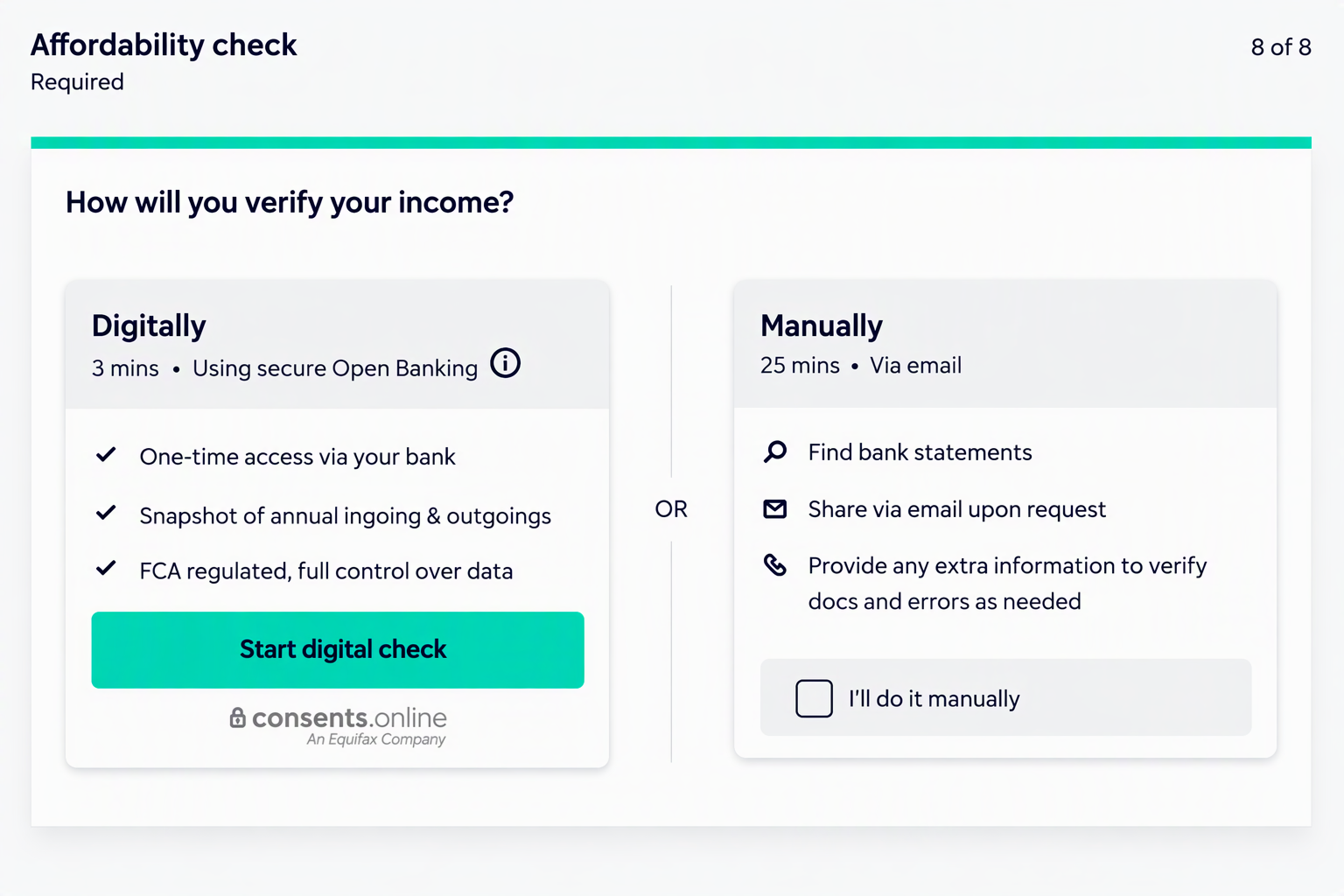
If the Open Banking connection crashes or does not load when linking a bank account, the tenant can choose the manual option instead.
In Section 8 of the application form, where the tenant is asked how they’ll verify their income, they should select “I’ll do it manually” instead of using the automatic bank connection. They can then provide bank statements manually if required.