
You can make changes and check status in your Rent Guarantee dashboard on Rightmove Plus.
To do this, follow the steps below:
1. Log in to Rightmove Plus.
2. Click on the 'Lead to Keys' tab.
3. Select the 'Rent Guarantee' tab, and this will take you to the Rent Guarantee Dashboard.
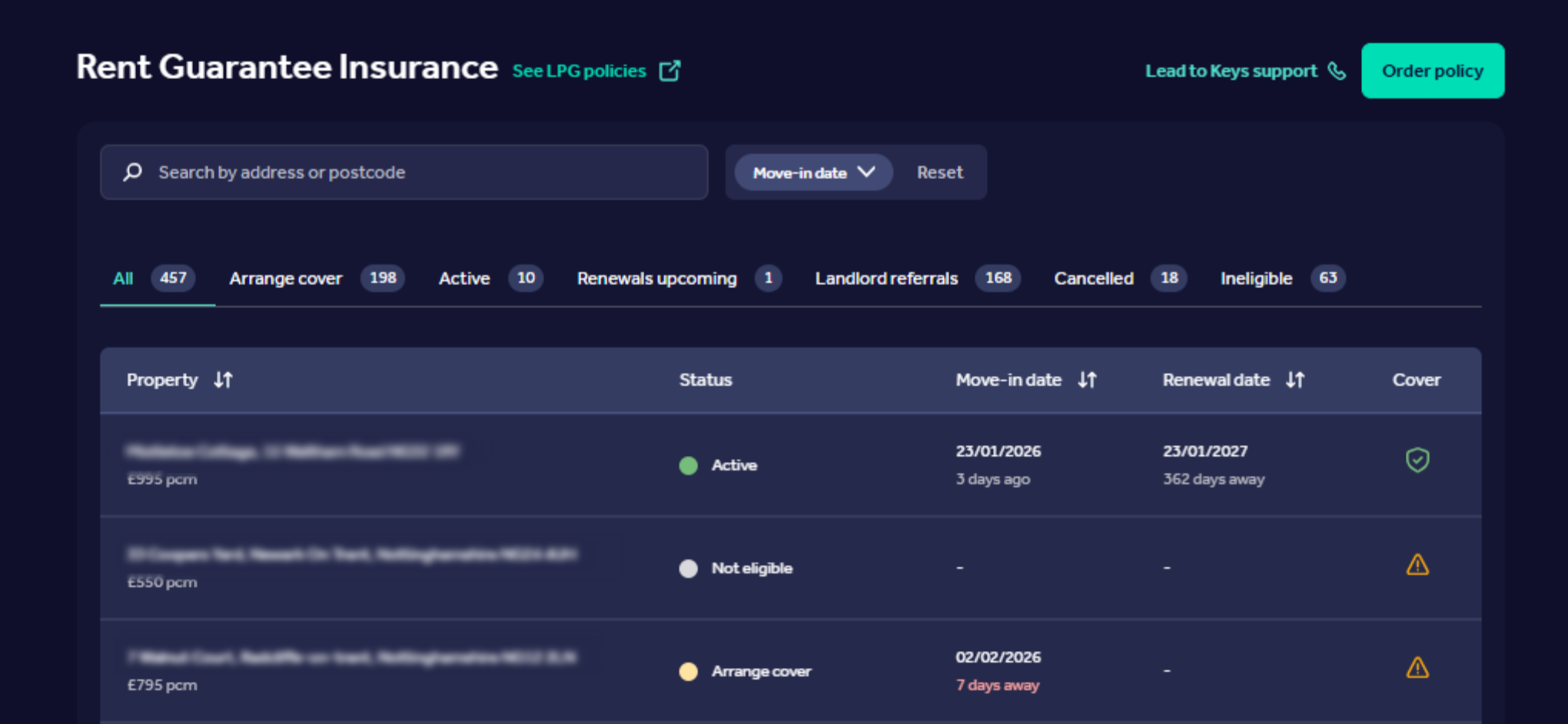
You can view, change, or cancel the Rent Guarantee by clicking on the specific property, and a side panel will appear.