
Find out about the Online Agent Valuation feature in Rightmove Plus and how the product works.
- What is Online Agent Valuation?
- Where to access the Online Agent Valuation tool
- How does Online Agent Valuation work?
- How to view or request changes to OAV notification details
- How to get the Online Agent Valuation Product
What is Online Agent Valuation?
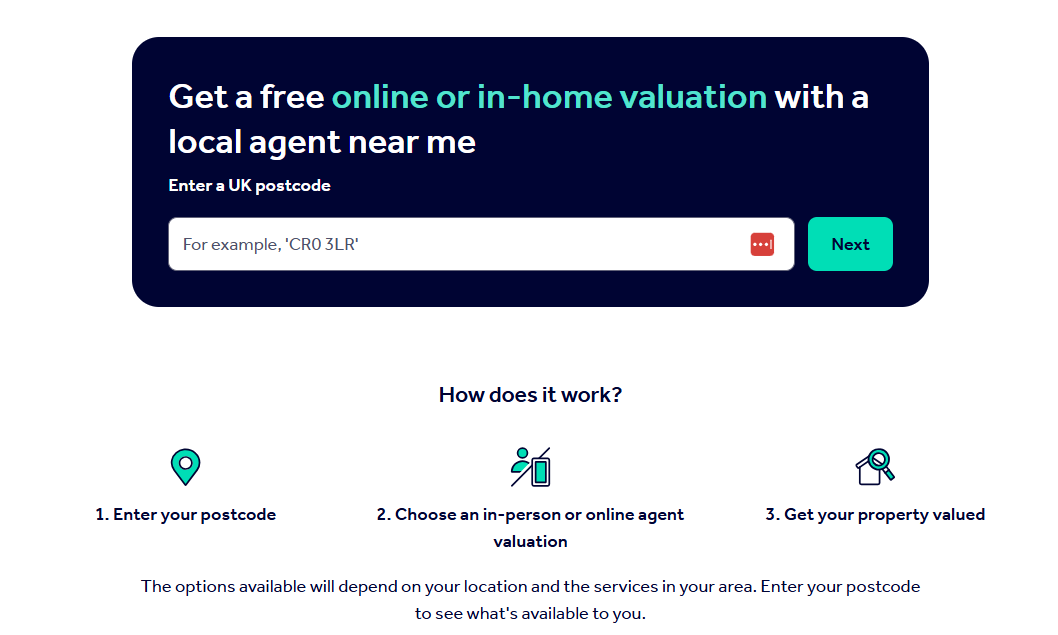
Online Agent Valuation (OAV) is a valuation product that allows homeowners to request a free remote valuation of their property from an agent.
Agents are asked to provide an estimated valuation range by the end of the next working day.
Please note: Online Agent Valuation is a sales-only product.
You can learn more about the OAV product here via the Rightmove Hub.
Where to access the Online Agent Valuation tool
1. Log in to Rightmove Plus.
2. If you are a dual branch, make sure you're on the sales side of the branch.
3. Find the menu on the left-hand side.
4. Select the 'Online Agent Valuation' tab.
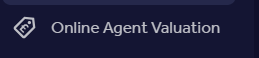
To access the OAV tool, you must have the appropriate permissions assigned to your Rightmove Plus account.
If you cannot see the Online Agent Valuation tab, contact your branch administrator, who can review and update your user permissions.
You can request your branch admin to edit your access via Rightmove Plus. Learn more about getting your permissions updated by your branch admin here.
How does Online Agent Valuation work?
When a homeowner submits a valuation request, you'll receive a notification containing:
- The homeowner's details
- The property address
- The request expiry date
- A link to view the lead in Rightmove Plus
The request will usually include information such as:
- Number of bedrooms and bathrooms
- Garden details
- Property condition
- Recent renovations
- Property photographs
Using this information, you can provide an estimated valuation range.
Your valuation is presented to the homeowner on a branded page that includes:
- Your personalised message
- A link to your Premium Price Guide
- Information about your agency
- Your contact details
Once the valuation has been submitted, the homeowner's contact details become available within Rightmove Plus, allowing you to discuss next steps or arrange an in-person valuation.
How to view or request changes to OAV notification details
OAV notifications can be sent to a designated email address and mobile number.
View current notification details
You can view the notification details currently configured for your branch in Rightmove Plus.
- Log in to Rightmove Plus.
- Click the menu icon in the top-left corner.
- Select Online Agent Valuation.
- Click the Notifications bell in the top-right corner.
- View the email address configured for each outcode.
Important: This screen is for viewing notification details only. Notification email addresses and mobile numbers cannot be updated within Rightmove Plus.
Request a change to notification details
If you need to update the email address or mobile number used for OAV notifications, please contact Customer Care.
Customer Care can update:
- OAV notification email addresses
- OAV notification mobile numbers
- Notification recipients for specific outcodes
Important: OAV notification details cannot be updated by branch users or branch administrators within Rightmove Plus.
To request a change, contact Customer Care.
How to get the Online Agent Valuation Product
If you have any general questions, would like to know how to reserve or get this product, you'll need to contact your account manager for details.
If you're not sure who your account manager is, you can schedule a meeting with your Account Manager on the Rightmove Hub here.