
If you see a “Your session timed out” message when trying to access Rightmove Plus, clearing your browser's cache and cookies should allow you to sign back in.
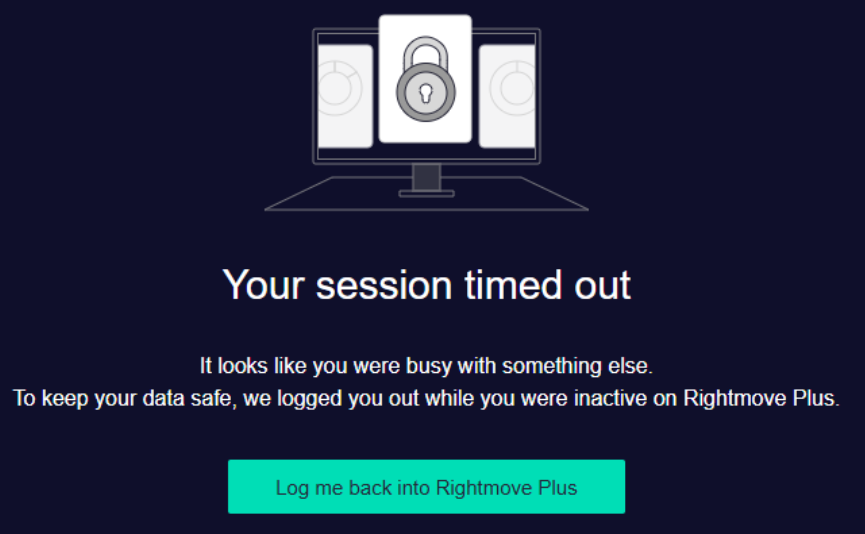
Clearing your cache and cookies removes stored browser data that may be preventing a new Rightmove Plus session from starting correctly.
What do I need to do?
1. Clear your browser's cache and cookies.
2. Once cleared, close and reopen your browser.
3. Go back to Rightmove Plus and sign in again.
4. Try accessing the page or feature again.
Please note: Clearing cookies may sign you out of other websites you currently have open, so you may need to sign back into these too.
Still seeing the message?
If you've cleared your cache and cookies, signed back into Rightmove Plus and are still seeing the “Your session timed out” message, please get in touch with us so we can help investigate further.